AI video effects, made from your photos.
FYP FX is an AI video effects generator for photos. Choose a dance, transformation, Halloween scene, or cinematic preset, upload your photos, and create a short video for TikTok, Reels, or Shorts.
5 seconds · 720p · 568 credits per generation. Download your silent clip, then add sound in TikTok or your editor.
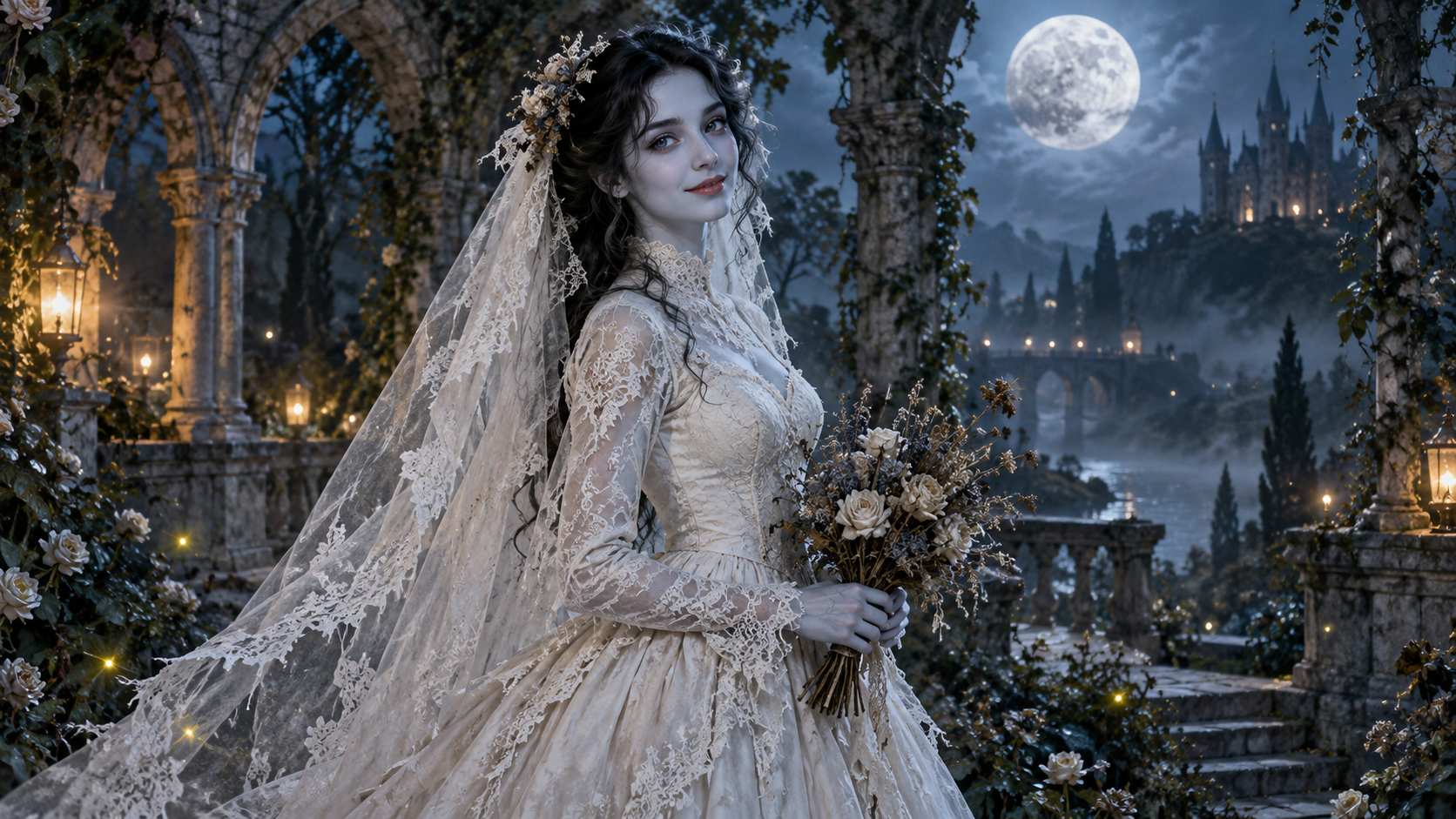
AI Corpse Bride
Find an AI effect for your next video.
Explore photo-to-video effects by look and motion. Compare dance presets, Halloween transformations, and cinematic scenes before choosing a generator.
AI illustrationAI Corpse Bride
See effect details
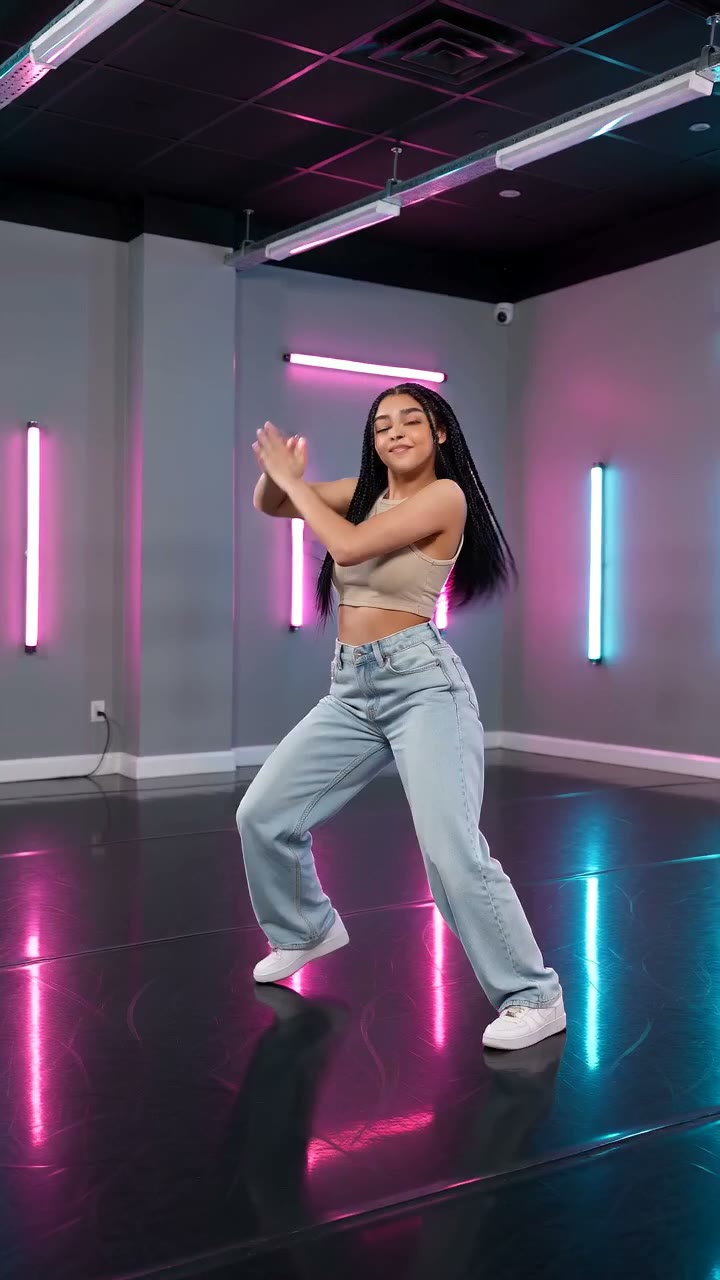 Reference image
AI Neon Glow Dance
See effect details
 Reference image
AI Talking Skeleton
See effect details
 Reference image
Burning Bridges
See effect details
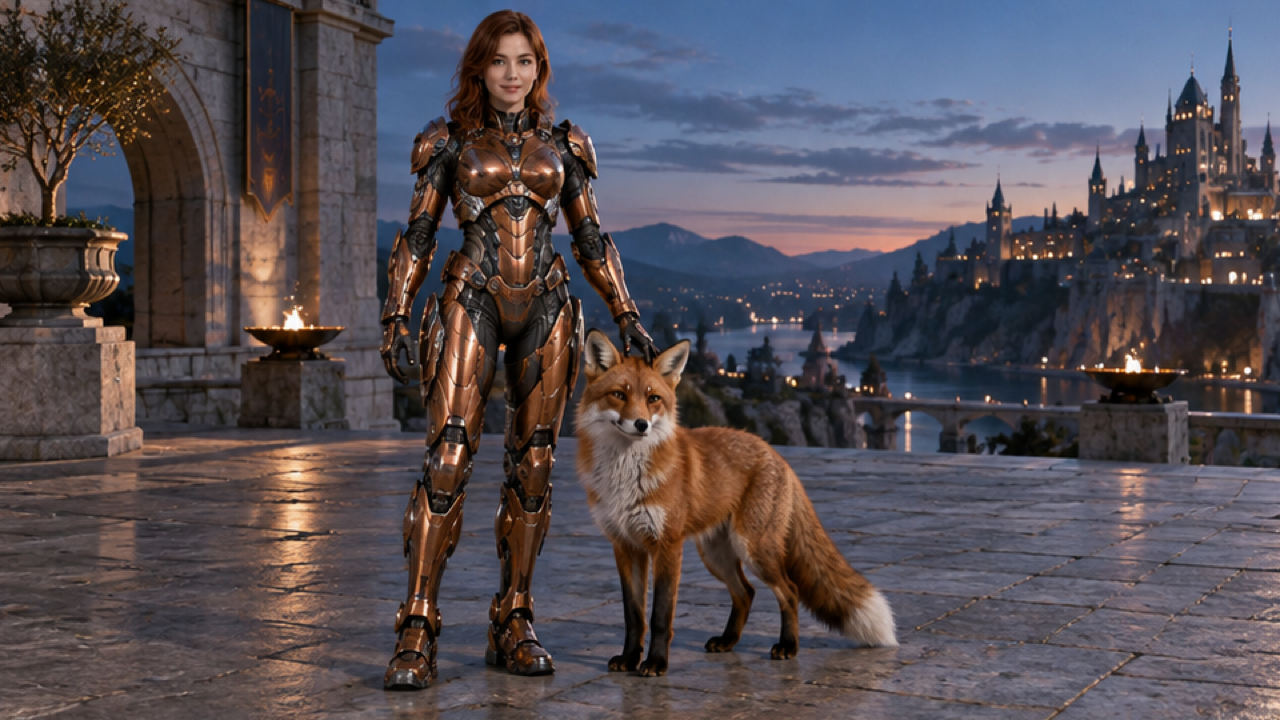 Reference image
AI Mecha Transformation
See effect details
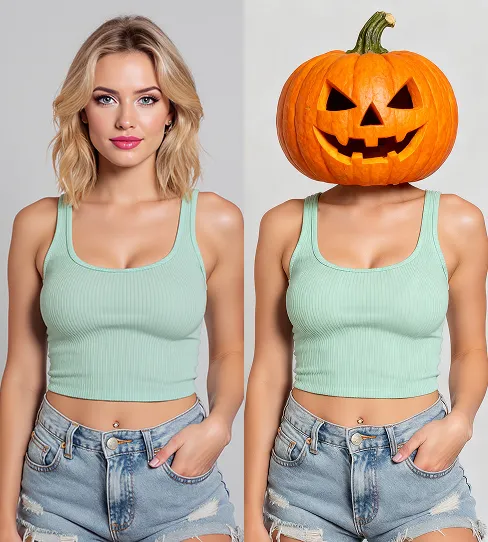 Reference image
AI Pumpkin Head
See effect details
 Reference image
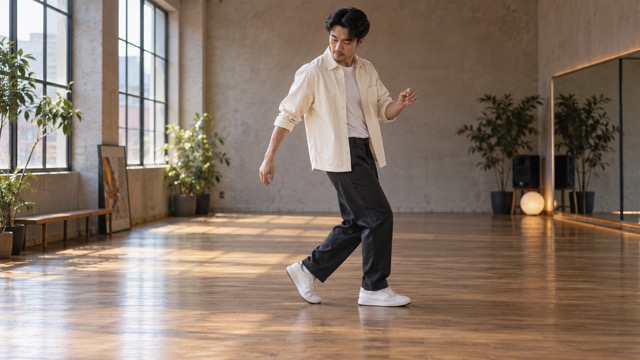
AI Moonwalk Dance
See effect details
 Reference image
AI Zombie Couple
See effect details
These images show the effect concepts. They are references and illustrations, not FYP FX video outputs; generation results vary.
FYP FX studio
Create a photo-to-video effect in the studio.
Choose an effect, check its photo requirements, and upload a clear JPG or PNG. Sign in to generate, follow progress, and find completed clips in My videos.
Sign in to generate and keep track of your videos.
A look for every idea
What does each AI video effect do?
Read the effect definition, compare visual references, and check photo framing and motion limits. Each effect guide links to its generator and a detailed tutorial.
Explore all AI effectsReference imageAI Mecha Transformation
Watch armor plates unfold and lock on as you transform into a human-scale armored suit.
See this effect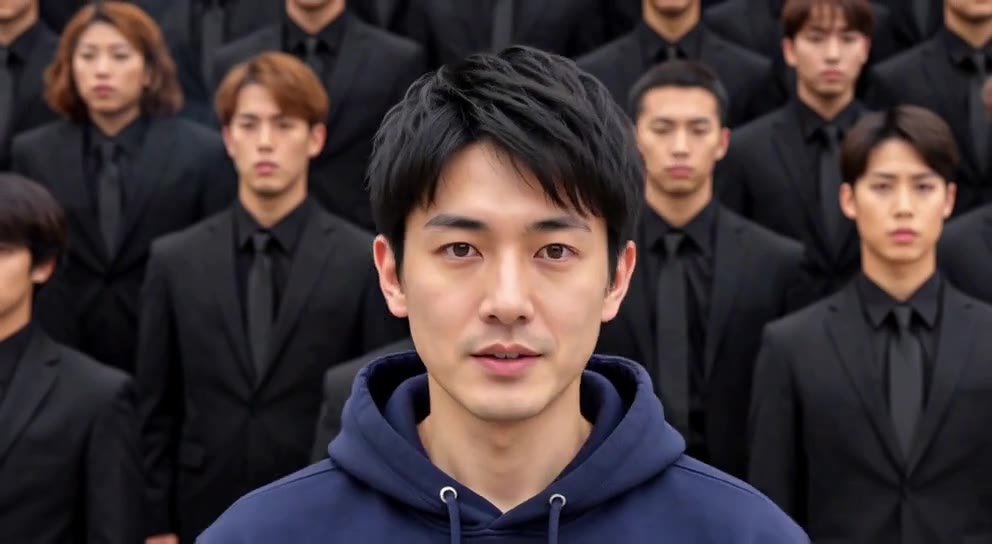
From a still photo
to an AI effect video.
Use fixed scene presets instead of writing a prompt, then review the result before you share it.
Find your kind of effect
Browse dance, cinematic, Halloween, and transformation presets. Each effect has its own photo tips and output examples or visual references.
Reference images and AI illustrations of effect concepts.
Keep your creations together
Follow a generation from your workspace, then preview and download completed videos in My videos.
- Check generation progress
- Preview your completed clips
- Download and edit for your next post
What are FYP FX AI video effects?
FYP FX is a photo-to-video AI effects generator for short clips you can share on TikTok, Reels, or Shorts. A preset supplies the scene and motion, while your photo supplies the subject. Create a dance, cinematic scene, Halloween look, or transformation, then download the video and add your own music or captions.
The generated clip can change facial details, clothing, backgrounds, or movement. A preset guides the result; it does not guarantee an exact match to a reference. FYP FX creates videos from photos and is independent of TikTok.
Photo input and video output
- Video
- 5 seconds · 720p
- Generation cost
- 568 credits per clip
- Photos
- JPG or PNG, up to 20 MB per photo
- Number of photos
- One photo for most effects; two photos for AI Zombie Couple
- Audio
- Silent video; add audio after downloading
Check subscription pricing for plan prices and credit allowances.
How to make AI videos for TikTok
Use FYP FX as a TikTok AI video generator for effects made from photos. Choose a dance, transformation or cinematic preset, create your short clip, then finish it with sound and captions in TikTok. For a vertical post, use a portrait photo with a preset that follows the source aspect ratio, or choose an effect with a fixed 9:16 scene.
1.Choose an effect
Read its photo tips and compare the visual references. Pick the scene and motion you want to generate.
2.Upload and generate
Upload the required photos, sign in, and check the credit cost. Start one generation and follow its progress.
3.Download and finish in TikTok
Watch the full clip, then download it from the studio or My videos. Import it into TikTok or your editor to add music and captions before sharing.
Product details reviewed by FYP FX on . Details reflect the current presets; check the generator before starting.
AI video effects: questions and answers
Photo input, video output, and credits.
What FYP FX can generate, what you need to upload, and what to expect from the result.
Looking for photo tips and walkthroughs? Read the FYP FX guides
Create your next AI effect video.
Choose a photo-to-video preset, check the photo tips, and open the generator when you are ready.
Browse effect generators